TL;DR
Six patterns for keeping an agent on task
Peeking for patterns in agentic prompts under the hood.
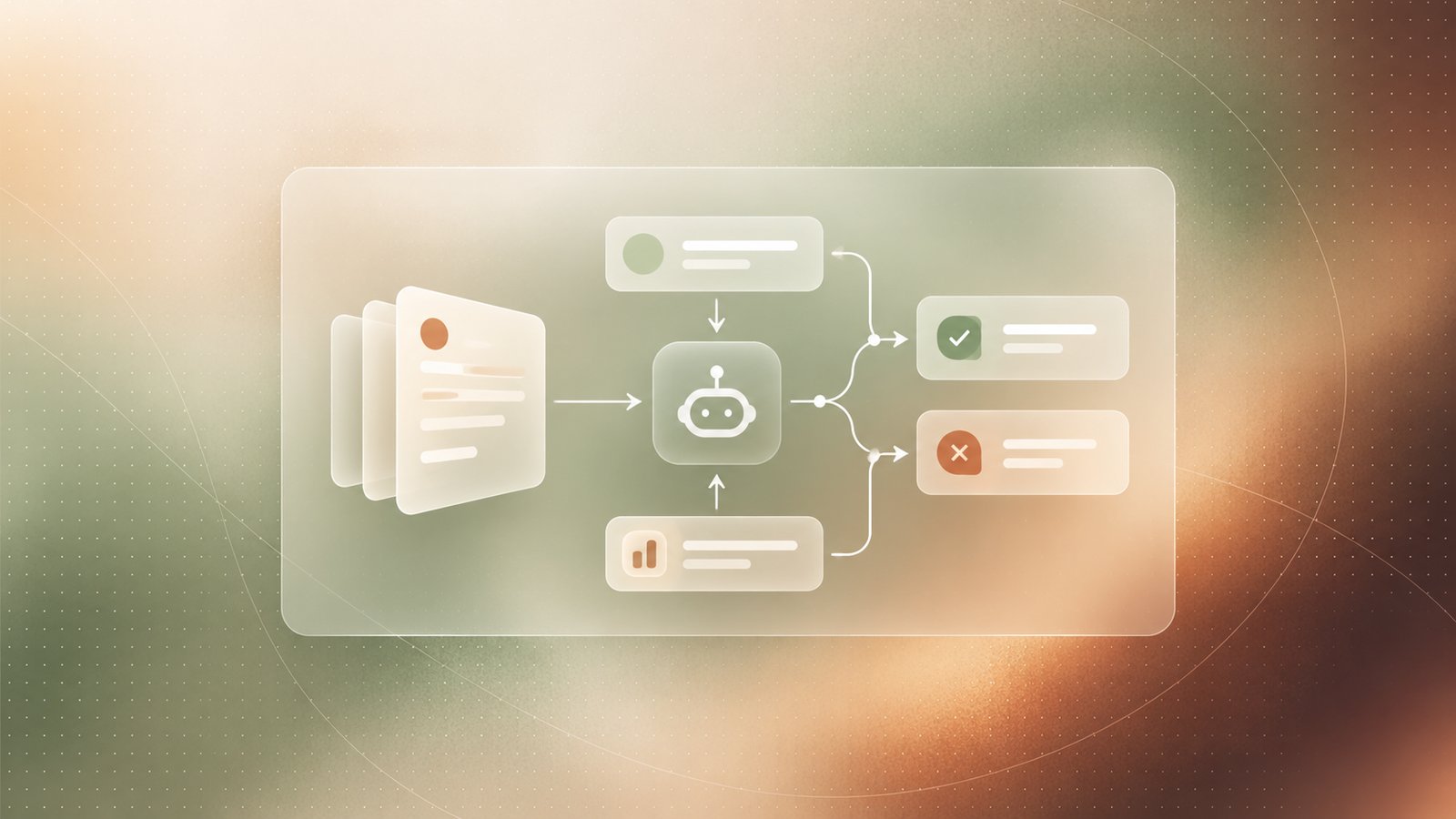
- Flipped interaction — Instead of us telling the model what to do, we give it the goal and it tells us what to do, one step at a time, waiting to hear how each step went before deciding the next one.
- Ahead-of-time planning — The model can write out the whole plan before anything runs, or work out each step as it goes. A full plan repeats reliably; deciding as it goes lets the model fix things when a step does not work.
- World-state injection — The model knows nothing about our files, our systems, or what is happening right now, so we put that information into the prompt ourselves — and send updates whenever it changes.
- Tool Use — We list the exact tools the model is allowed to use, and give each one a clear name and a short description of what it does, so the model does not have to guess.
- In-context learning — Rather than describing the rules, we show two or three worked examples in the prompt, and the model follows the same shape when it handles a new task.
- Forward programming — We set the rules for how the model should behave in messages that have not been sent yet, using instructions like "from now on…"
Pattern 1
Flipped Interaction
Asking the model to tell us what to do.
Normally we tell the model what to do. Here we swap the roles. We describe the goal, and the model asks us to carry out one step at a time. For example:
Since you can't directly lift pots or pans, you will tell me the steps
and I will perform them. We will go one step at a time.
Ask me what I want to cook.
The prompt does three things. It gives a goal, it says one step at a time, and the last line makes the model produce the first step straight away. Without that last line, most models reply with the whole plan at once.
Each time we report back, the model has to pick the next step based on what actually happened
The result we send back can be either text or a screenshot (multi-modal).
Pattern 2
Ahead-of-Time Planning
The model can write the whole plan first, or work it out one step at a time.
There are two main approaches:
| Deciding step by step | Writing the plan first |
|---|---|
| Can change course when a step fails | Follows the plan whatever happens |
| Different each run, slower, costs more | Same result every run, faster, cheaper |
Most real systems sit somewhere between the two ends. It is worth choosing that position on purpose rather than ending up there.
A plan written in one go has a particular weakness: if the model makes something up, nothing catches it. Asked to plan a multi-day drive that stopped each night in a town with a BMX track, it produced a confident route — with one track that does not seem to exist. It needed a stop, so it invented one. A model deciding step by step would hit that mistake the moment it tried to use it. In a finished plan, we hit it while driving.
Pattern 3
World-State Injection
The model cannot see our situation, so we have to describe it. RAG is the automated version of this.
Think of a new intern on their first morning. They know a great deal about the world in general, and nothing about our files, our tools, or what we are trying to get done today. A model starts every conversation in that position.
Ask a model how to connect an old games console to "my TV" and it gives generic advice. Send a photo taken behind the TV and it can say which cable goes where. The photo carried the information.
This is what retrieval-augmented generation (RAG) does automatically. It searches our documents, pastes the relevant parts into the prompt, and then asks the question. If those pasted parts disagree with what the model already believes, we have to say which one wins — using only the information below — or it quietly mixes the two together.
Pattern 4
Tool Use
We tell the model exactly which tools it may use, and what each one does.
There are two ways to describe them. Calling them tools works when a person carries them out, because people fill in the gaps themselves. Calling them actions works better for software, where every operation has to be spelled out. If one action only works after another has run, we have to say so — the model will not work that out on its own.
Names matter more than most people expect. For example, if a model is told it is trapped on an alien spaceship, handed three tools with meaningless names, and asked to escape. Nothing about the names gives anything away, so whatever it does comes entirely from how we defined those tools.
Either the name or the description has to say what the tool does. With neither, the model guesses — and the guess sounds reasonable and is wrong.
Most company codebases are full of the third case: short names everyone on the team understands and nothing else does. This is one demonstration rather than a measured result, but it is easy to try against our own function names.
Pattern 5
In-Context Learning
Showing two or three examples often works better than writing out the rules.
Some things are much quicker to demonstrate than to explain.
Problem: reheat leftover pizza
Thought: I need 20 seconds
Tool: microwave_increase_time   (x4)
Result: pizza heated
From this alone the model works out that one press adds five seconds. Given a task that needs thirty, it presses six times. We never told it what the tool does.
A half-finished pattern makes the model want to finish it. That is the part we are making use of.
The shape of the example matters as much as its content. Problem / Thought / Tool / Result is close to the Thought / Action / Observation loop from ReAct: the model reasons, acts, sees a real result, then reasons again.
Pattern 6
Forward Programming
We set the rules before the messages arrive, rather than correcting each reply after it appears.
Every instruction that starts with "from now on" is a rule about replies that do not exist yet.
Three kinds of instruction work well here: the tone we want, background the model does not have, and a default behaviour that overrides its habits. The last is the most powerful. Tell a model to turn everything it receives into a table, and it stops summarising and starts producing data we can use.
Typed into the middle of a conversation, this works for a while and then fades — a long conversation pushes early instructions out of the model's attention. System prompts and custom instructions are sent again with every message, which is why a rule set there stays in force, and why the person chatting cannot edit it away.